Guides

Learn Verital one task at a time

Each tutorial walks through a real task in the app, with a screenshot for every step. Start with the one you are stuck on.
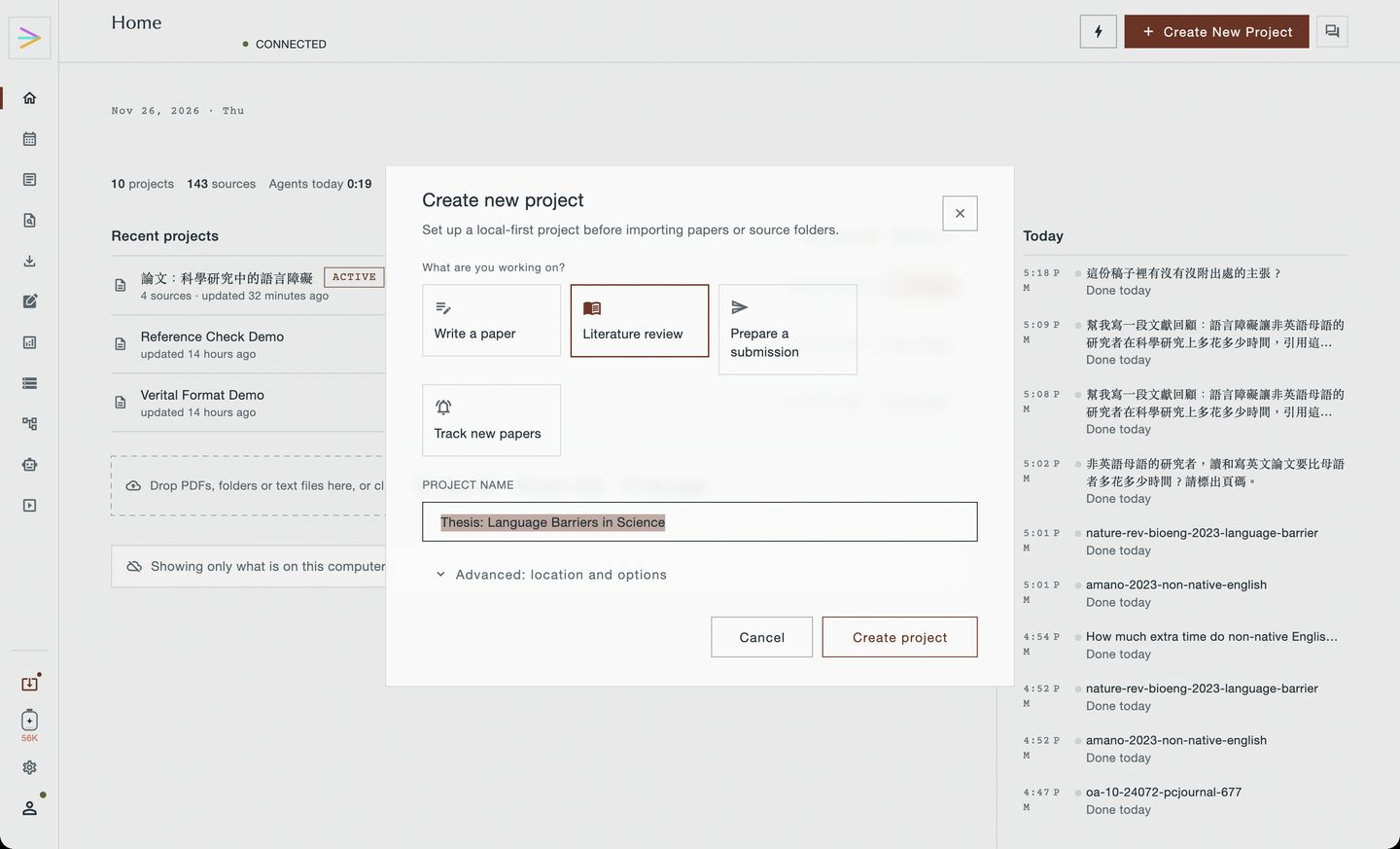
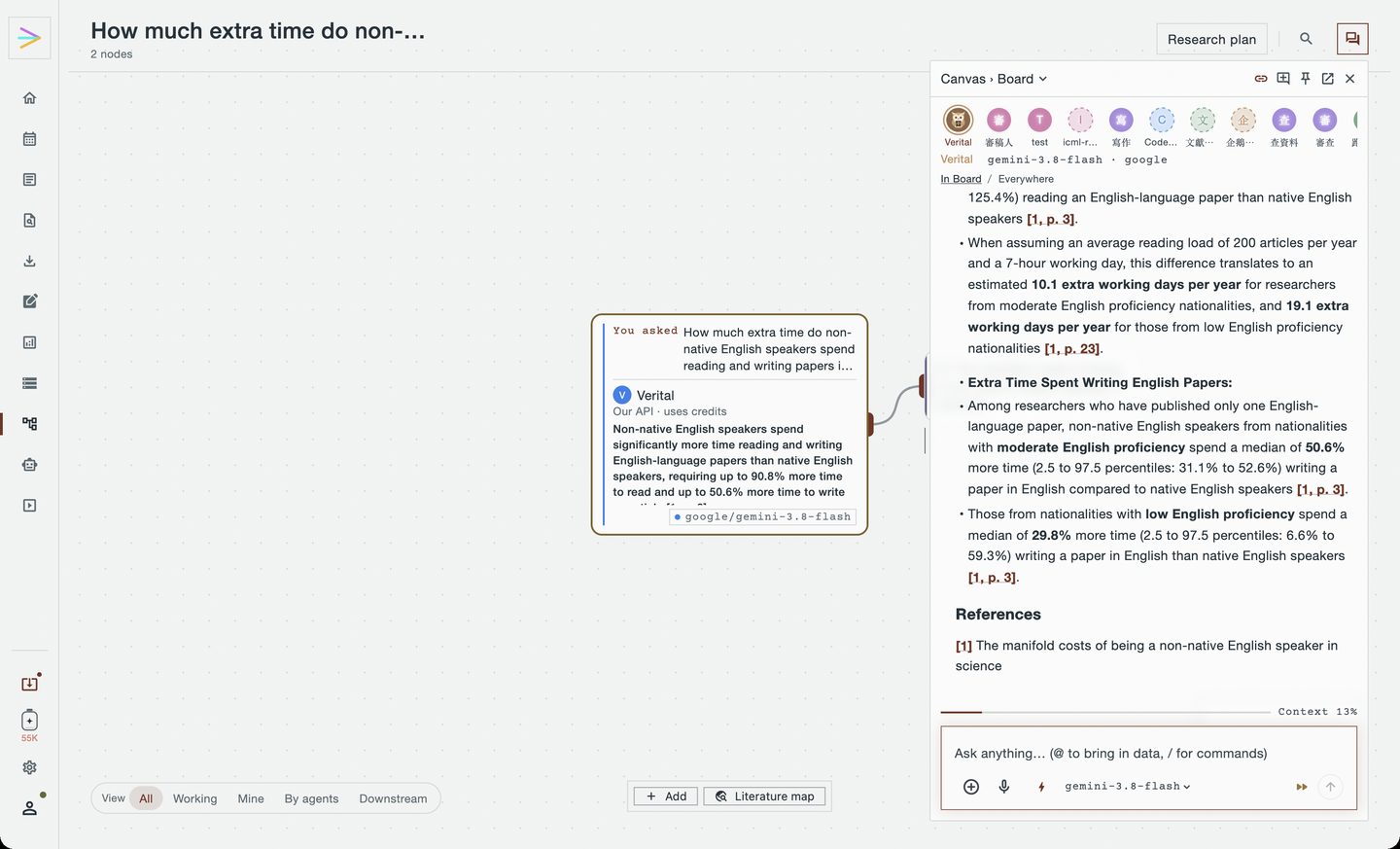
Getting started · Tutorial · 4 stepsAI Research Tool for Graduate Students: Your First Project, Step by StepSet up a first research project in Verital, add your PDFs, ask a question and get an answer with page-numbered citations you can click back to the source.
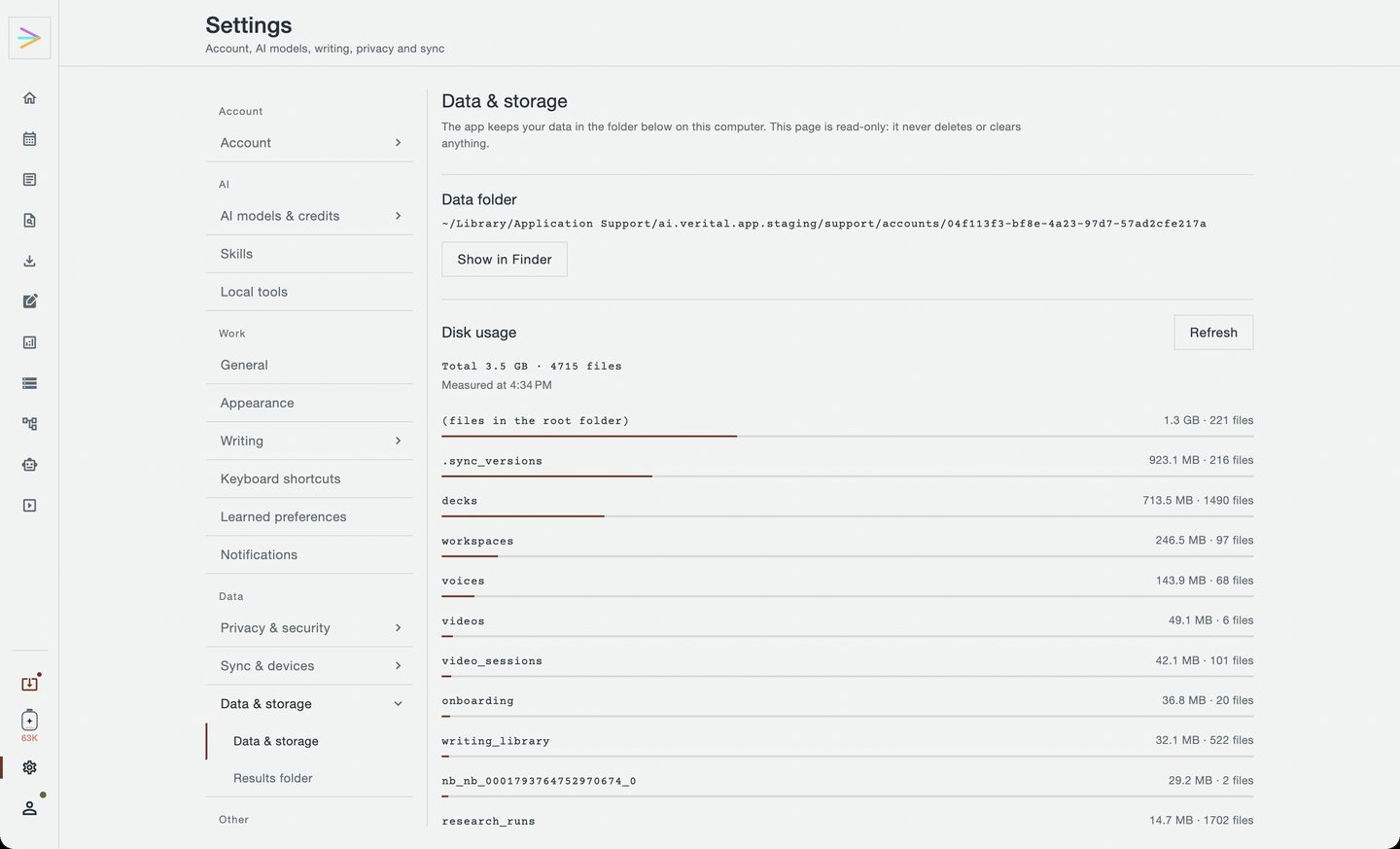
Getting started · Tutorial · 5 stepsLocal-First AI Research Assistant: Where Your Data Lives and How to Redact ItFind the folder where Verital keeps your library, turn on redaction before text goes to a cloud model, and set it per paper. Step by step with screenshots.
Citations and sources · Tutorial · 5 stepsAI Literature Review With Citations You Can Check (Step by Step)Ask Verital about your papers, get answers with page-numbered citations, click one to open the cited page, then write the paragraph and check the references.
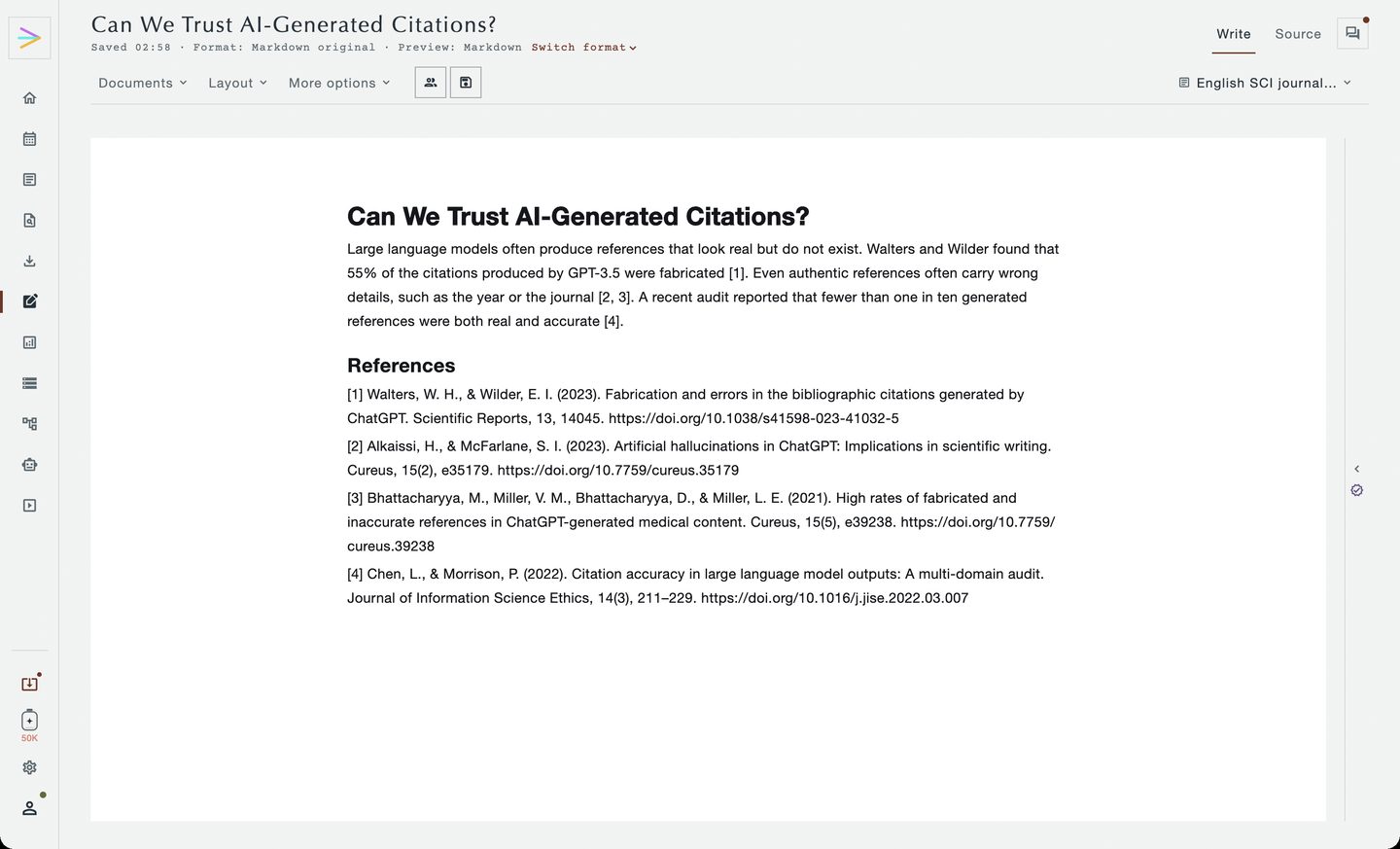
Citations and sources · Tutorial · 7 stepsHow to Check If the References in Your Draft Are Real (Step by Step)A step-by-step walkthrough in Verital: open your draft, run the Checks tab against CrossRef, OpenAlex, PubMed and DBLP, and see which references cannot be found before you submit.
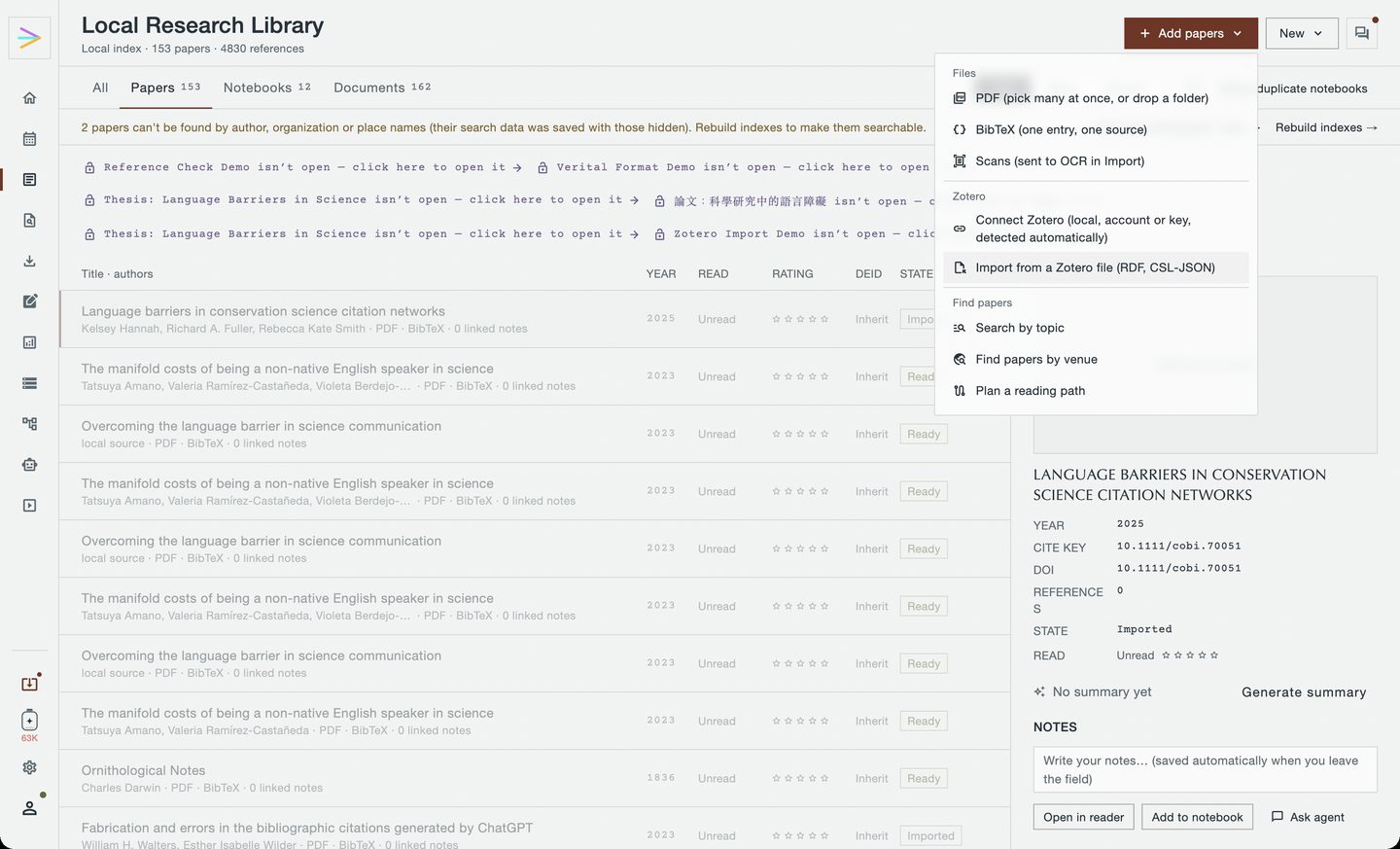
Library and Zotero · Tutorial · 6 stepsZotero With AI: Import Your Zotero Library Into Verital (Step by Step)Export your Zotero library as RDF, import it into Verital with its PDFs, then read, search and ask about it. Or connect Zotero with an API key to sync.
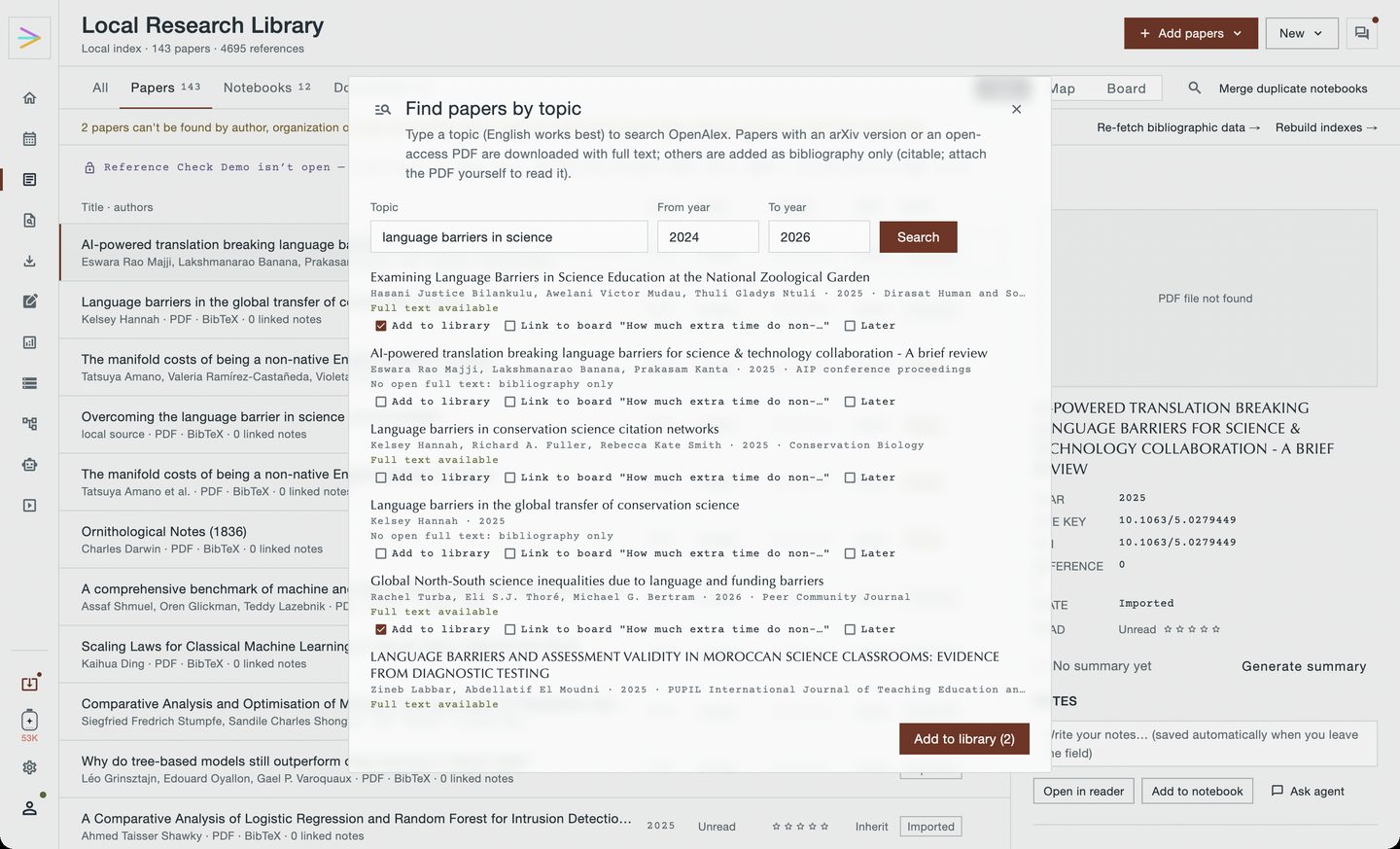
Comparisons · Tutorial · 5 stepsElicit, Consensus and NotebookLM Alternative: Find, Read and Write in One AppHow Verital differs from Elicit, Consensus and NotebookLM, when another tool fits better, and the find-read-write loop in Verital step by step with screenshots.

Hand the research to AI. Keep the sources.

Verital runs on macOS (Apple silicon and Intel). Windows is coming soon.